Dynamic QR Codes: Edit Your QR Codes Anytime Without Reprinting
Dynamic QR codes point to a short URL you control, so you can change where a code goes anytime without reprinting what's already out in the world.
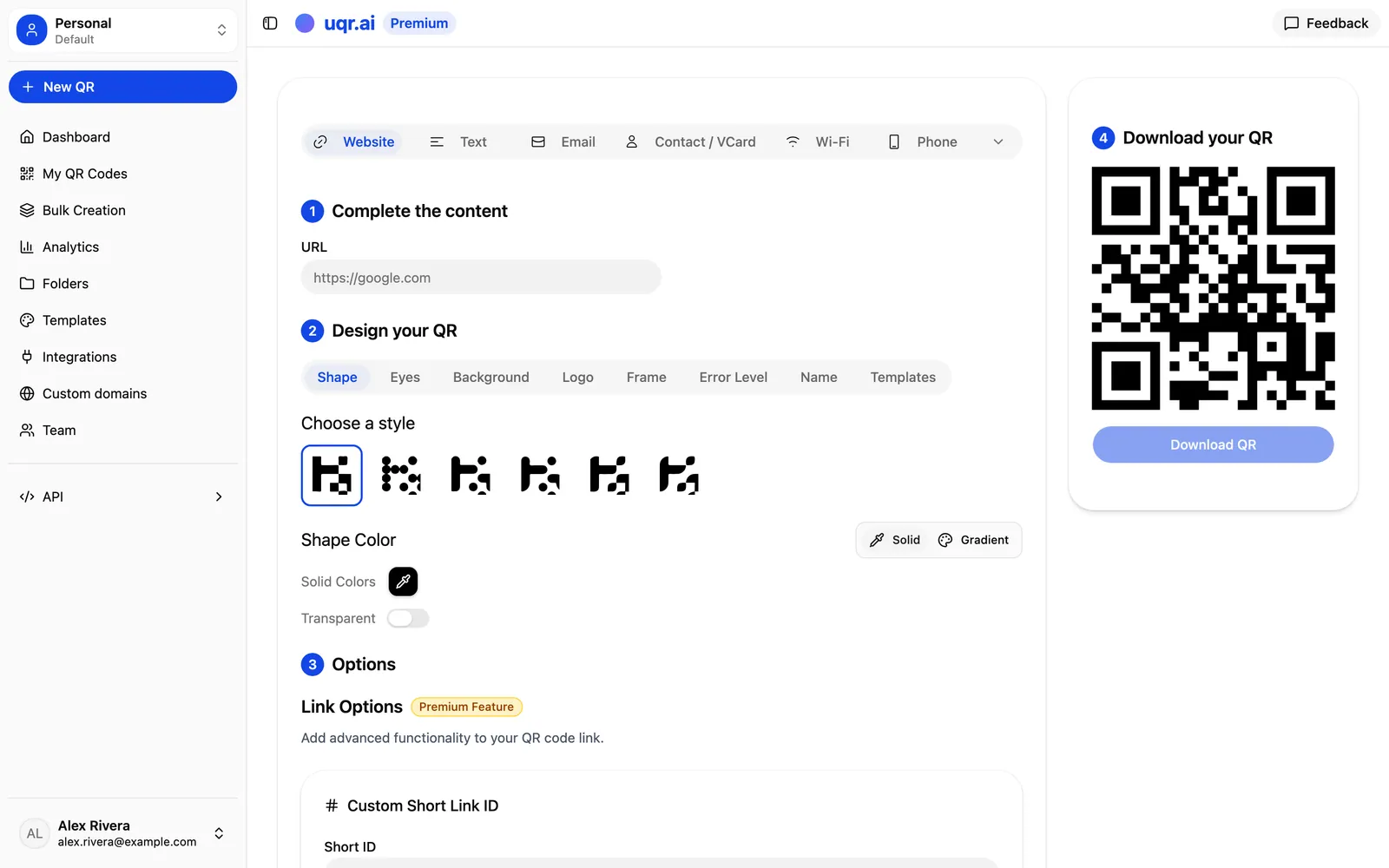
You printed 5,000 flyers, mounted a window decal, and stuck a QR code on every product box. Then the landing page URL changed, the promo ended, or the menu got a redesign. With an ordinary QR code, that means one thing: reprint everything.
Dynamic QR codes solve this for good. Instead of hard-coding a destination into the printed pattern, a dynamic code points to a short URL you control. The pattern on the wall never changes, but where it sends people can change as often as you like. This is the core of how uqr.ai works, and it's why a code you print today keeps working long after the campaign behind it has moved on.
Static vs. dynamic: what's actually different
A QR code is just an image that encodes some data. The difference between static and dynamic is what that data points to. The printed image looks identical either way; the flexibility lives in the layer you can't see, and that layer is entirely in your hands.
| Static QR code | Dynamic QR code | |
|---|---|---|
| What's encoded | The full destination, baked into the pattern | A short URL you own and manage |
| Changing the target | Requires a new code and a new print run | A quick edit in your dashboard |
| Effect on printed copies | None update; old codes stay outdated | Every printed copy follows instantly |
| Best for | One-time links you'll never change | Anything that might ever change |
Change a static link and you've changed the pattern. Update a dynamic code's destination, and every printed copy redirects to the new target. No reprint, no new sticker, no exceptions.
Why reprinting is so painful
Reprinting isn't just a design task. It's a chain of costs that most teams underestimate until they're in the middle of it.
- Real money: new artwork, new print files, new materials, and shipping for anything physical.
- Lost time: waiting on a vendor while the old code keeps pointing at the wrong place.
- Wasted reach: codes already in the wild on packaging, signage, and printed collateral that you can't recall.
- Dead ends: a customer scanning an outdated static code lands on a broken or irrelevant page, and that's the impression they keep.
A dynamic code turns all of that into a quick edit. The physical artifact becomes a permanent address, and you decide what lives behind it.
How editing works without changing the printed code
The workflow is deliberately simple. Here's the path from creation to a live update:
- Create a dynamic QR code at uqr.ai and choose what it should point to. With 20+ supported types, that can be a URL, a PDF menu, a vCard digital business card, a WiFi login, a Linktree-style list of links, an image gallery, social profiles, and more.
- Customize the look with your logo, brand colors or gradients, a frame with call-to-action text, or a design template. Download it as a PNG or SVG, both print-ready.
- Print and deploy it wherever it needs to live: a poster, a label, a table tent, a packaging insert.
- Edit the destination anytime from your dashboard. The change goes live for every existing scan immediately, because the printed pattern was always pointing at your short link, not the final page.
That last step is the whole promise: the code on the wall is frozen, but its meaning is yours to rewrite whenever the business calls for it.
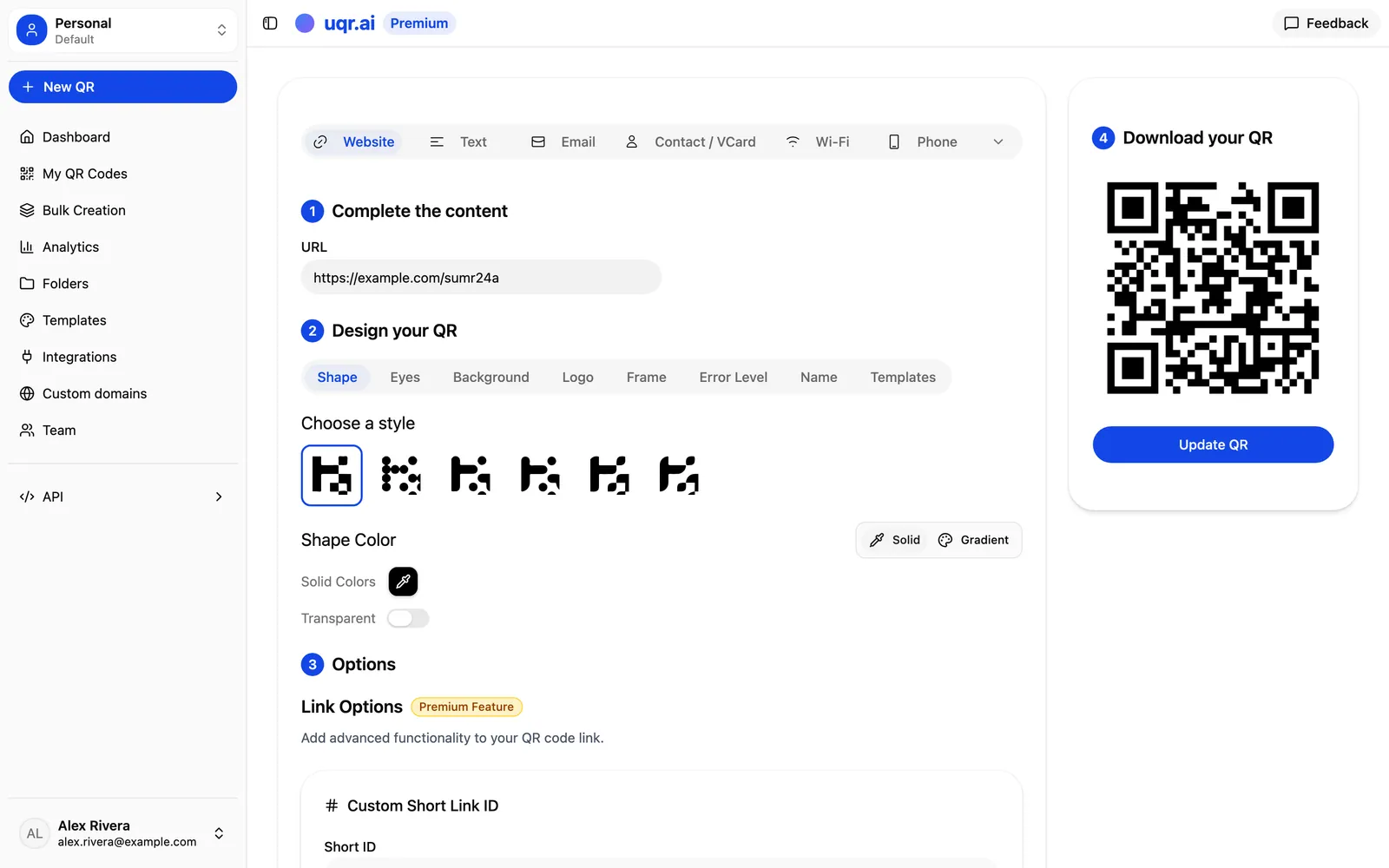
Custom short IDs
The short URL behind your code doesn't have to be a random string. With custom short IDs you can set a memorable, branded slug so the link itself reads cleanly, looks trustworthy when it's visible in print, and is easy to reference internally. It's a small detail that makes your codes feel like part of your brand rather than a generic redirect.
Tip Set a custom short ID before you print. The slug is part of the visible link on your collateral, so a clean, branded one builds trust at a glance and is far easier to dictate over the phone or in a meeting.
Real scenarios where this pays off
Dynamic editing isn't a niche convenience. It changes how everyday printed materials behave.
The event poster
You print a poster pointing to a registration page. Tickets sell out, so you point the same code at a waitlist. After the event, you repoint it to the photo gallery and next year's announcement. One poster, three different jobs, zero reprints.
The product label
A code on your packaging links to a setup guide today. When you publish a new version of that guide, you update the destination, and every unit already on shelves now leads to the latest instructions. The same code can later swap to a warranty registration or a cross-sell page as the product lifecycle moves.
The restaurant table tent
A code on the table opens your PDF menu. When the seasonal menu changes, you upload the new file and update the link. Lunch versus dinner, a holiday special, a sudden item that's sold out: the printed tent stays put while the menu behind it stays current. The same approach works for a WiFi code, a feedback form, or a daily specials page.

Dynamic for everyone, advanced controls on Premium
Here's the honest breakdown. Dynamic, editable QR codes work for everyone on uqr.ai. You also get unlimited QR codes, unlimited scans, codes that never expire, basic customization, and basic analytics with three months of history, all on the free plan.
The more advanced controls layer on with Premium:
- Password protection to gate sensitive content behind access control.
- Link expiration with a custom redirect for time-sensitive campaigns.
- Scan limits to cap how many times a code can be used, also with a custom redirect.
- Geolocation redirects that show different content based on the visitor's country.
- Advanced analytics with three years of history, plus the full range of QR types and full customization.
- Teams for up to 5 seats, advanced API access, unlimited AI-generated QR codes, and an email notification after each scan.
Note Premium includes a 7-day free trial (credit card required, cancel anytime), so you can put the advanced controls to work before committing.
Print once, change forever
The shift from static to dynamic is the difference between a printed code that's a liability and one that's an asset. Your signage, packaging, and collateral stop being snapshots of a single moment and become living entry points you can steer for years.
Key takeaways
- A dynamic QR code encodes a short URL you control, so the printed pattern never has to change.
- Editing the destination in your dashboard updates every copy already in the wild, instantly.
- Reprinting costs money, time, and reach; a dynamic code replaces all of it with a single edit.
- Dynamic, editable codes are free for everyone, with 20+ types and unlimited scans.
- Premium adds password protection, link expiration, scan limits, geolocation redirects, advanced analytics, and Teams.
Ready to make your codes editable? Create a QR code for free, explore all features, or start a free 7-day trial to unlock password protection, geolocation redirects, scan limits, and team collaboration.