Automate QR Codes with the REST API and n8n
Put your QR codes on autopilot with the **UQR** REST API or the n8n node — generate a code per CRM record, send scan alerts to Slack, and sync analytics to a sheet.
Every QR code you print is a promise to do something on the other side of a scan: open a page, capture a lead, share a menu, check someone in. The work around those codes rarely stops at "generate and download."
A new product launches and needs its own code. A campaign goes live and someone wants to know the moment it gets scanned. A spreadsheet of scan data needs to land in front of the marketing team every Monday. Doing all of that by hand does not scale.
UQR gives you two ways to put it on autopilot: a REST API for developers who want direct control, and an n8n community node for building the same flows visually. This is where dynamic, editable QR codes stop being a design tool and start being part of your stack.
What you can automate
The UQR REST API exposes the three things that matter most for keeping codes in sync with the rest of your business:
- Create codes — generate QR codes programmatically instead of one at a time in the dashboard.
- Manage dynamic content — update the destination of a dynamic code anytime, so the printed code stays valid while what it points to changes.
- Retrieve analytics — pull scan data into your own dashboards, reports, or data warehouse.
Because UQR codes are dynamic, that second point is the quiet superpower. You can reprogram where a code sends people without ever touching the printed artwork. Automation simply lets a machine do the reprogramming on a schedule or in response to an event.
Note Dynamic and editable codes work for everyone, but advanced API access is a Pro feature, and bulk creation sits one tier up on Business. Teams, custom branded domains and the advanced link controls (password protection, link expiration, scan limits, and country-based geolocation redirects) come in one tier down on Pro. If you are building automations, you will want the Pro plan.
The REST API for developers
If you have an engineer (or you are one), the API is the most flexible path. It speaks plain HTTP, so it fits into any language or platform that can make a request.
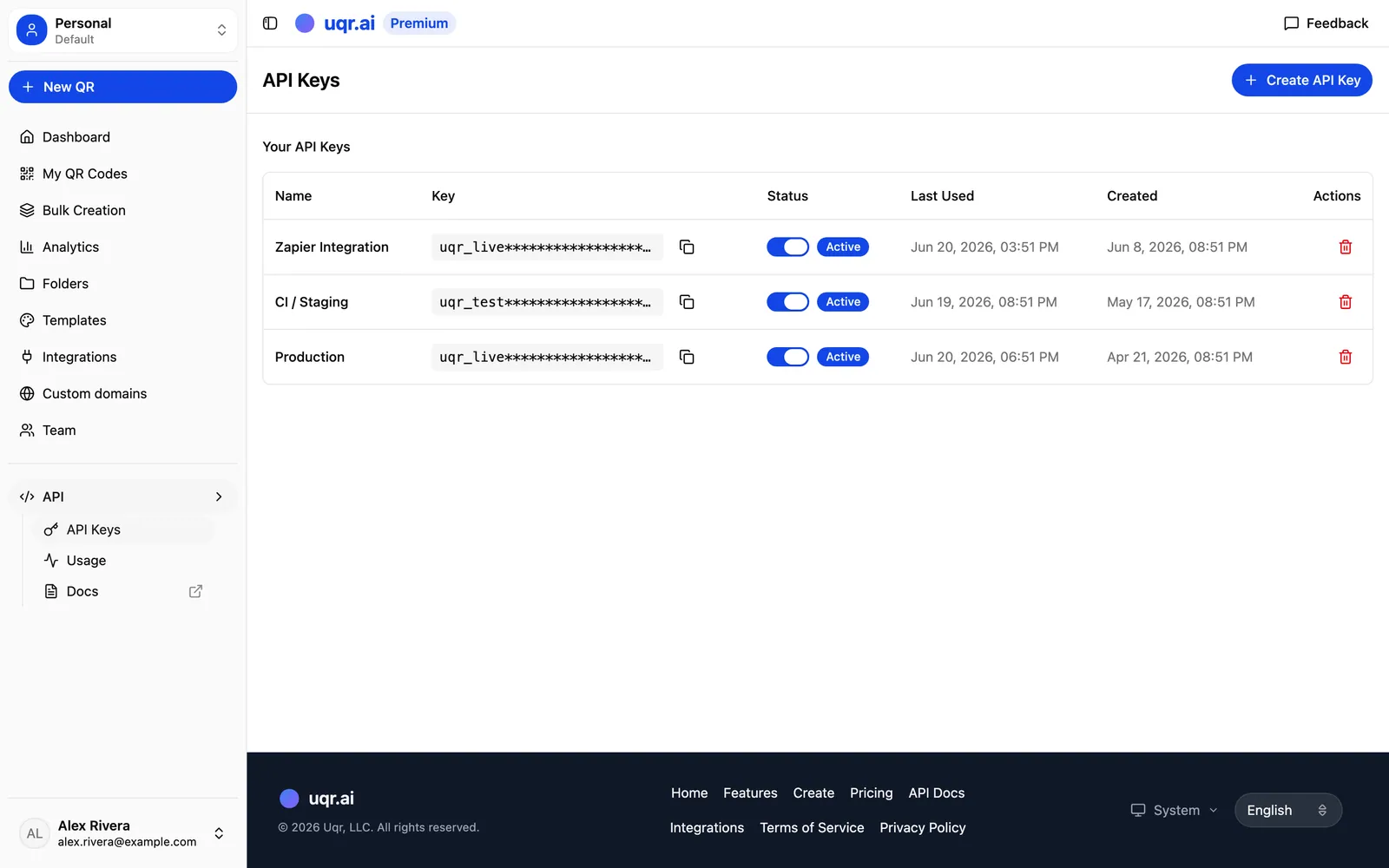
A typical flow
- Authenticate with your API access from a Pro account.
- Create a code by sending the type and destination — a URL, a vCard, a PDF link, a list of links, or any of the 20+ supported types.
- Store the returned code reference so you can update or report on it later.
- Update the dynamic content whenever the underlying destination changes — no reprint required.
- Retrieve analytics on a schedule to feed your own reporting.
This is ideal for high-volume or system-driven work: a product catalog that mints a code per SKU, an event platform that issues a code per ticket, or an internal tool that rotates a campaign code's destination as offers change. Pair the API with bulk creation when you need hundreds of codes from CSV data in one go, then use the API for ongoing edits and reporting.
No-code automation with n8n
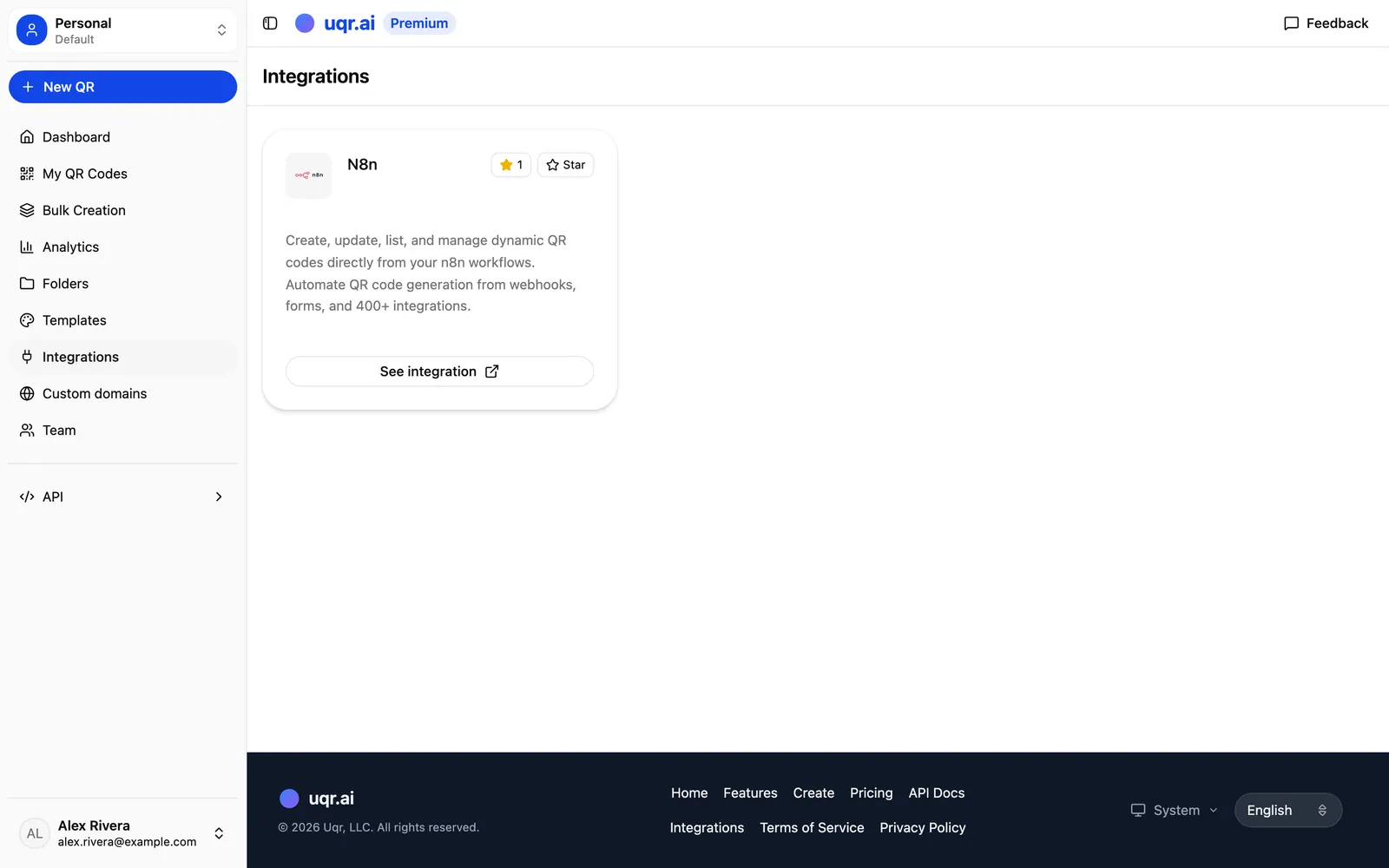
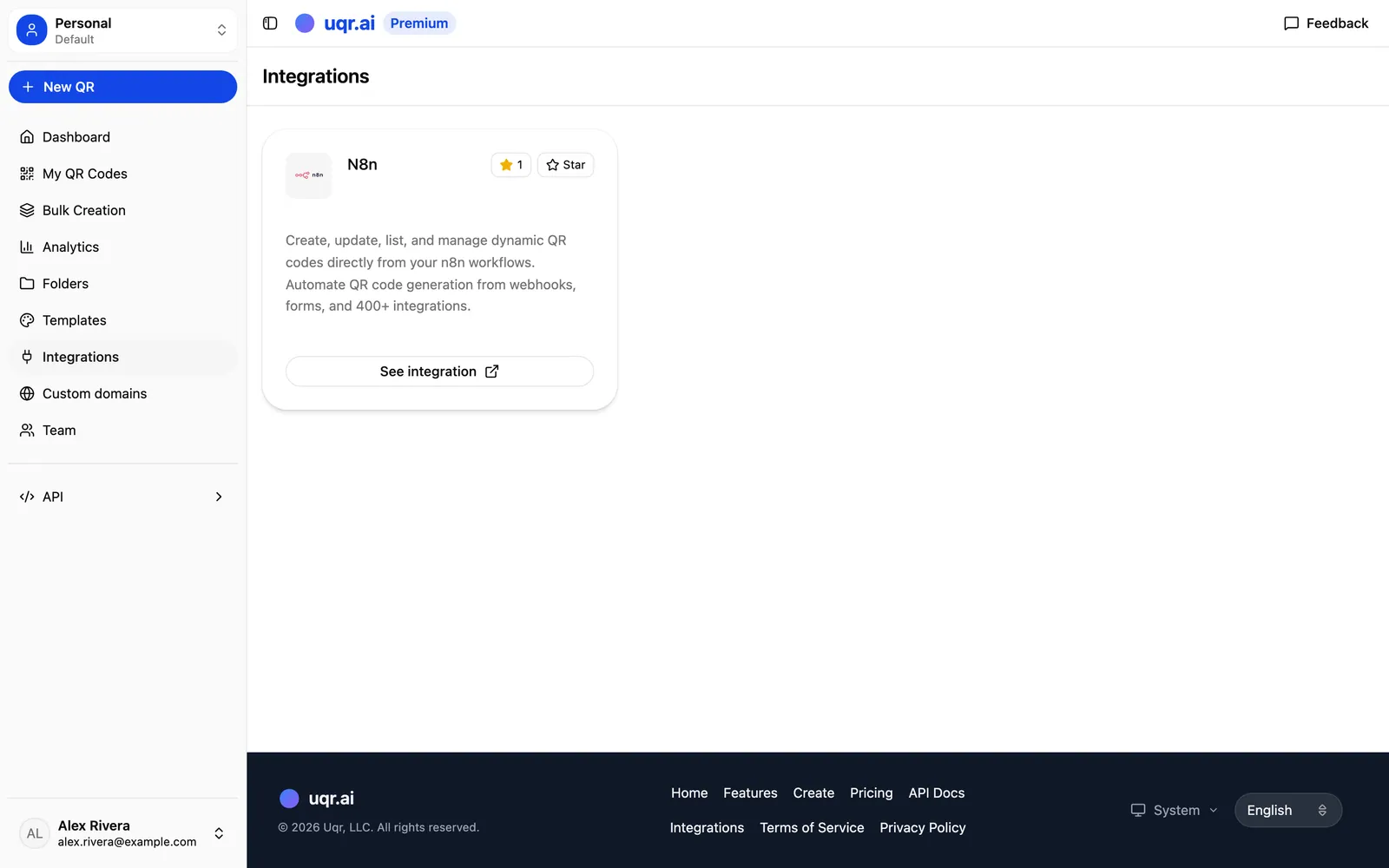
You do not need to write code to automate UQR. The n8n community node lets you create, update, list and manage dynamic QR codes from a workflow you build visually. The pattern is always the same: a trigger in one app kicks off an action in another, and n8n reaches everything else in your stack from there.
So how do you pick? Here is the short version.
| REST API | n8n node | |
|---|---|---|
| Best for | Full programmatic control | Visual flows, branching logic, self-hosting |
| Who it suits | Developers and system-driven work | Teams keeping workflows in-house without writing code |
| Writes code? | Yes | No |
| Reaches the API | Directly | Behind the scenes |
The node calls the UQR API behind the scenes, so anything the API can do is reachable from a no-code workflow.
Four automations worth setting up
1. A QR code for every new CRM record
Whenever a new contact, deal, or account is created in your CRM, have the workflow generate a UQR code automatically — for example, a vCard digital business card for a new rep, or a tracked URL for a new lead's personalized landing page. The code is ready before anyone asks for it.
- Trigger: New record in your CRM.
- Action: Create a UQR code, then write the code back onto the record.
2. Scan alerts straight to Slack
Marketing teams live in Slack. Connect UQR scan activity to a channel so the right people see engagement as it happens — useful for launches, events, or any time-sensitive campaign where momentum matters. UQR already offers email notifications after each scan on paid plans; routing the same signal into Slack keeps the whole team in the loop without anyone refreshing a dashboard.
- Trigger: A code is scanned.
- Action: Post a message to a Slack channel with the code name and details.
Tip Starting your first automation? Make it scan alerts to Slack. It is a fast, satisfying win that demonstrates the trigger-action pattern in minutes — and your team feels the payoff immediately.
3. Sync analytics to a spreadsheet
If your team reports out of Google Sheets or Excel, schedule a workflow that pulls scan analytics from UQR and appends them to a sheet. You get a living record of performance without manual CSV exports, ready to chart or share. UQR also supports direct CSV export and a shareable analytics dashboard when you want a public link instead.
- Trigger: A schedule (for example, every morning) or each new scan.
- Action: Retrieve analytics and add a row to your spreadsheet.
4. A code for every new e-commerce product
Retail and e-commerce teams add products constantly, and each one can carry a QR code on packaging, shelf labels, or inserts. Trigger on a new product in your store and generate a dynamic code that points to that product's page. Because it is dynamic, you can later redirect it to a promo, a restock notice, or a review request without reprinting a single label.
- Trigger: New product in your e-commerce platform.
- Action: Create a dynamic UQR code and save it to the product listing.
How to get started
- Pick your tool. Choose the REST API for full control, or the n8n node if you would rather not write code.
- Map one workflow first. Start with a single high-value automation — scan alerts to Slack is a fast win.
- Use dynamic codes everywhere, so you can keep editing destinations through automation long after the codes are printed.
- Layer on analytics. Once codes are flowing, pipe the scan data where your team already works.
The whole point of automation here is the same as the core promise of UQR: QR codes that keep working after you print them. Connect them to your systems once, and they stay current on their own.
Key takeaways
- UQR offers two automation paths: a developer-friendly REST API and a no-code n8n node that reaches the rest of your stack through n8n.
- The API lets you create codes, manage dynamic content, and retrieve analytics programmatically — ideal for high-volume, system-driven work.
- Advanced API access and integrations are a Pro feature, with bulk creation one tier up on Business.
- High-value automations include a code per CRM record, scan alerts to Slack, analytics synced to a spreadsheet, and a code per new product.
- Because the codes are dynamic, automation can keep editing destinations long after the artwork is printed.
Advanced API access and integrations are part of the Pro plan, a subscription you can cancel anytime. Upgrade to Pro to unlock the API and connectors, browse all features, or create a QR code to see how dynamic codes work first.