Don't put a QR code in the TikTok ad. Put it on the pack, the pause, or let Google draw it
A scan URL is not an ad format. TikTok does not want QR codes in the ad content. Google's CTV guidance does not want you to bake a QR into the video file.
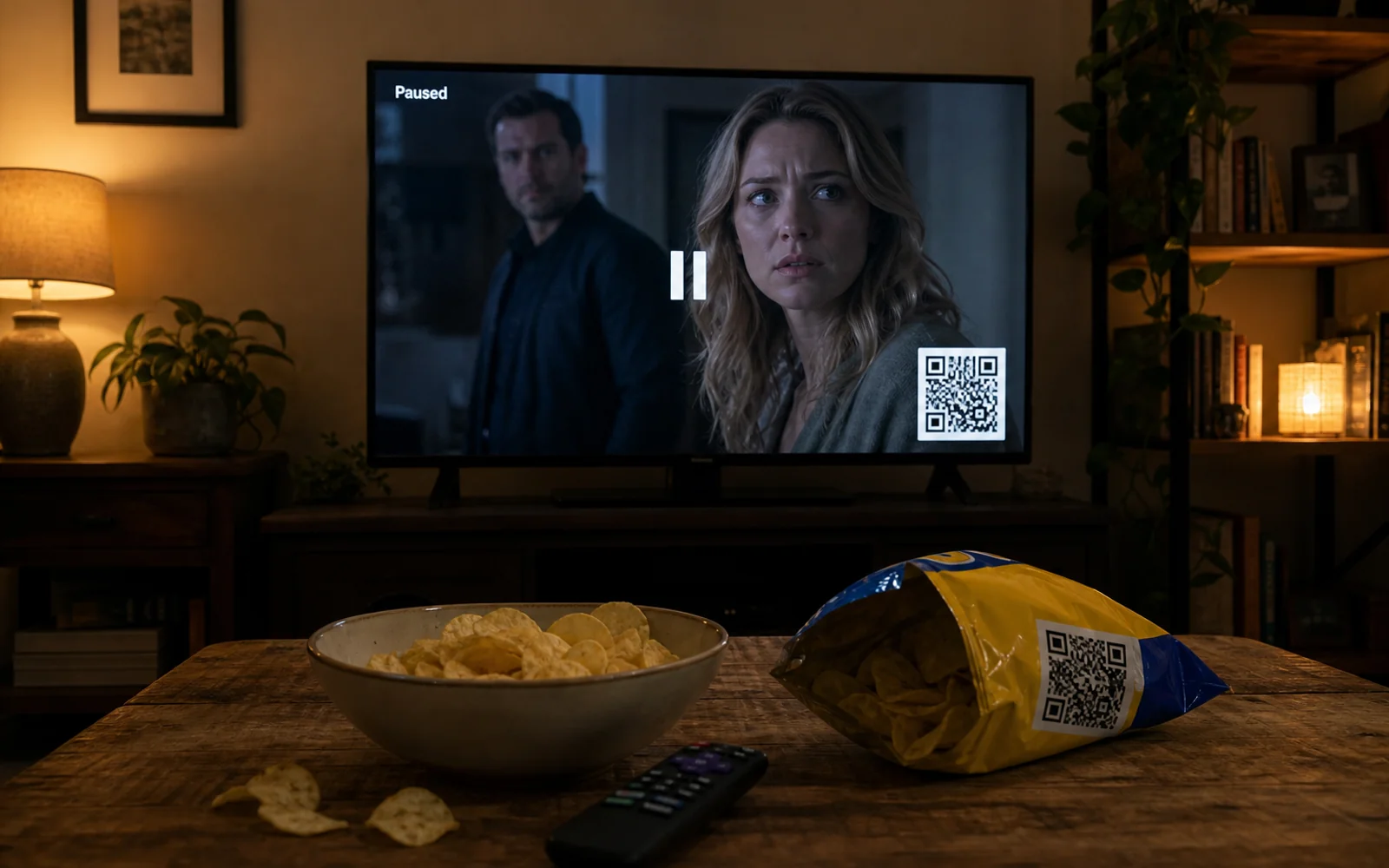
A scan URL is not an ad format. UQR is a durable destination you can change, with no ads on the scan itself. It is not a creative you paste into a Spark ad.
If someone on the team says to drop a UQR QR into the TikTok, stop. TikTok's ad-format policy does not want QR codes in the ad content. Google's CTV guidance does not want you to bake a QR into the video file. The IAB pause-overlay path wants a scan URL in the payload, not a picture of a code in the pixels. We are the URL behind the scan, not the graphic inside the buy.
TikTok: not in the ad file
TikTok's ads policy on ad format and functionality (https://ads.tiktok.com/help/article/tiktok-ads-policy-ad-format-and-functionality, April 2026) says: "Ad content must not contain quick response (QR) codes."
Allowed, in the same policy: a QR on product packaging or on an application, shown as it exists in the real world. Unscannable barcodes used as decoration. The ad file must not carry a scannable QR for the viewer to point at.
The blanket ban is global. It includes the US. TikTok also lists select markets where a QR that leads to a third-party site is explicitly not allowed. The US is not on that starred list. Do not use that as permission to burn a UQR code into a Spark ad. Read the live list on TikTok's policy page.
Compliant pattern: print the code on the pack or in the app. Run TikTok that shows the product and tells people to scan the pack, or use an in-app CTA. Do not generate a UQR PNG and composite it onto the Spark creative. Do not treat "it's our domain" as a loophole.
Codes never expire. Unlimited scans including Free. No ads on scans. None of that makes a TikTok QR legal.
Google: let the platform draw the CTV code
Google Ads help (https://support.google.com/google-ads/answer/16903036?hl=en-GB) covers QR codes that Demand Gen and Performance Max can generate for CTV. The platform draws the code. You do not.
Their line: "Avoid embedding QR codes directly into your video files." The generated QR is CTV only. It is not for YouTube TV. It is not for Google TV. The advertiser supplies the final URL. That URL is the whole job for us.
Create the code you want the TV scan to open. Put that URL in as the advertiser-supplied final URL. Let Google generate the on-screen QR for CTV. Do not bake a UQR image into the video. Print it once. Change it forever. Give Google a UQR URL, not a page you will take down in six weeks.
IAB pause / overlay: URL in the signal
IAB signaling finalized 22 July 2026. The schema is still draft. Pause and overlay use CreativeExtension type tl_qrcode, with QrCodeScanUrl. See https://vastlint.org/docs/vast-4-4/
UQR is a durable scan URL. It is not a DSP. We do not traffic the ad. Use a custom domain on Pro if the overlay has to outlive a vendor hostname. The player renders the code from the signal. You do not hide a PNG in the video bitstream. Do not write this as if every DSP already ships tl_qrcode.
Three places the code belongs
- On the pack or in the application. TikTok can show the pack. The scan target is physical or in-app, not in the ad file.
- On the pause or overlay, from a creative extension and a scan URL you supply. UQR is that URL.
- On CTV, drawn by Google from the final URL you supply. You do not draw it. You do not embed it.
We will not tell you to drop a UQR QR into TikTok or Spark ads.
Pricing: Free $0, Lite $8/mo ($64/yr), Pro $20/mo ($160/yr), Business $49/mo ($392/yr). Upgrade for custom domain (Pro), not because ads require a paid QR. Cancel goes to Free. Downgrade, never suspended.