Apple Music QR Code: Share Any Song, Album, or Playlist With a Scan
Copy the share link from Apple Music, paste it into a QR code generator, and print a code that opens your song, album, or playlist — in the app or on the web.
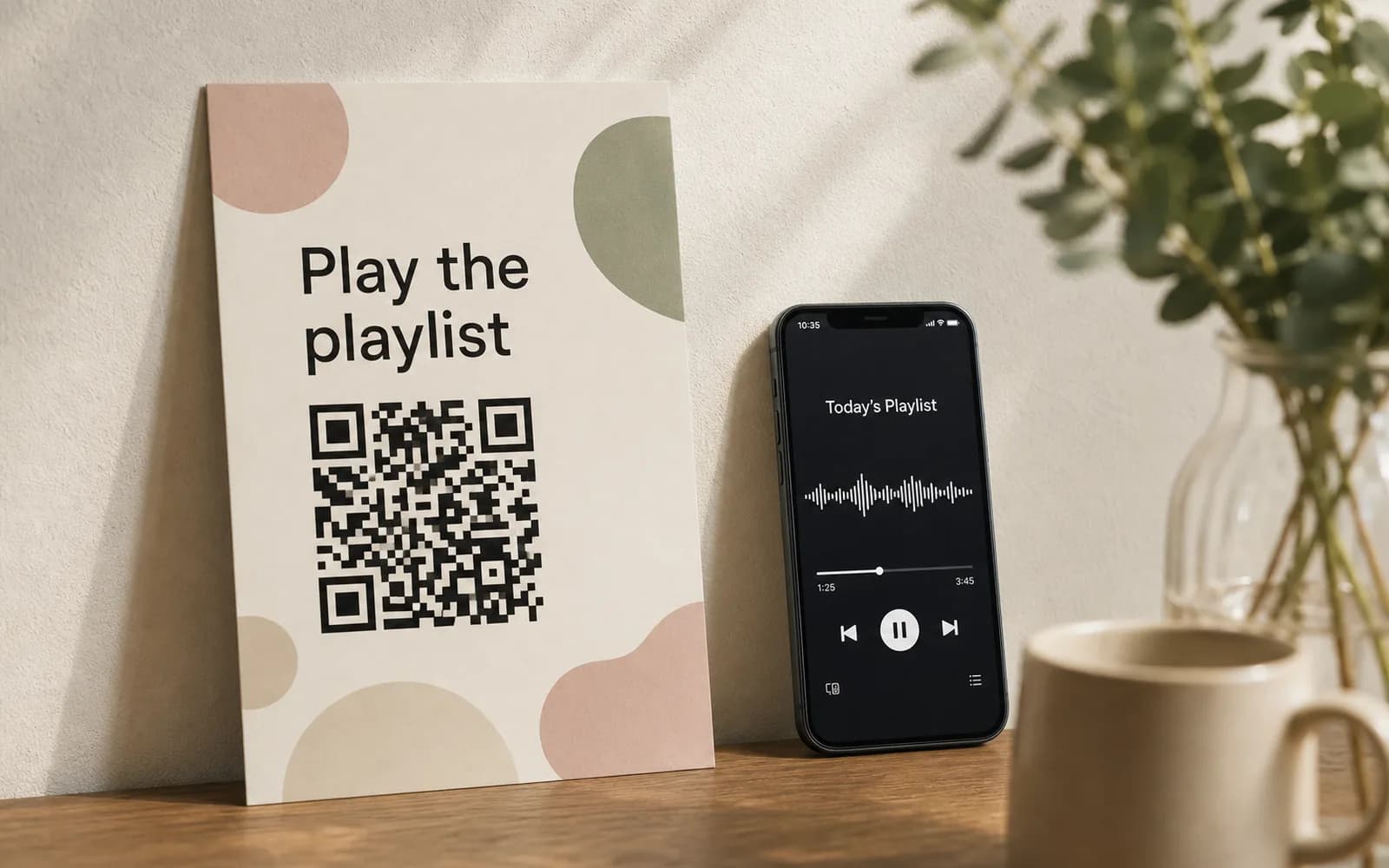
You have a single dropping, a wedding playlist ready to go, or a shop soundtrack you want customers to follow. A QR code is the shortest path from a printed surface to a play button: no typing, no searching, no "what was it called again?"
Here's the whole process: open Apple Music, tap the ••• menu on any song, album, or playlist, choose Share and copy the link, paste it into a QR code generator, and download your code. Scanning it opens the music directly — in the Apple Music app when it's installed, or in Apple's web preview when it isn't.
The rest of this guide walks through each step, explains what scanners actually see, and covers a second route — uploading an MP3 you own — for audio that isn't on Apple Music at all.
Step 1: Get the share link from Apple Music
Every song, album, and playlist on Apple Music has a link that looks like music.apple.com/.... Grabbing it takes seconds.
On iPhone, iPad, or Android
- Open the Apple Music app and find the song, album, or playlist.
- Tap the ••• (more) button next to it.
- Choose Share, then Copy Link from the share sheet.
On desktop
- Open the Music app on Mac, or go to Apple Music on the web in any browser, and navigate to the song, album, or playlist.
- Click the ••• button, choose Share, then Copy Link.
Tip Before you print anything, paste the link into a private/incognito browser window and confirm it opens what you expect. It's a ten-second check that catches wrong links and unshared personal playlists before they end up on five hundred posters.
Step 2: Paste the link into the QR code builder
Drop the copied link into the QR code builder and you'll see a live preview immediately. You can design and preview without an account; you'll sign up for a free account at the moment you download.
From there:
- Style it. Pick custom colors that match your artwork, drop your logo or album art motif in the center, and add a frame with a call to action like "Scan to listen."
- Download it. PNG for screens and quick prints, SVG for scalable artwork, or PDF — whatever your print workflow wants.
- Print it on the poster, table card, sticker, or flyer.
The code you download is dynamic: the printed pattern points to a short link you control, not to the Apple Music URL directly. That's what lets you change the destination later and see scan analytics in your dashboard. The free plan includes 5 dynamic QR codes, and codes on UQR never expire — free plan included.
What happens when someone scans it
The scan opens your Apple Music link in the way that makes sense for that person's phone:
- Apple Music app installed: the link opens straight into the app, on the exact song, album, or playlist.
- No app: the link opens Apple's web preview in the browser, where the listener can see the page and play previews. Subscribers can listen in full; everyone else still lands somewhere useful instead of an error.
Either way, nobody types anything. That is the entire point of putting the code on paper.
Have the audio file instead? Use an MP3 QR code
For audio you own — a demo, an unreleased track, a guided tour, a spoken message — you don't need Apple Music at all. The MP3 QR code generator hosts the audio file for you and opens it in a simple browser-based player on scan. No app to install, nothing for the listener to sign up for, and large files are supported.
| Apple Music link QR | MP3 upload QR | |
|---|---|---|
| Best for | Music that's live on Apple Music | Audio you own the rights to |
| What opens on scan | Apple Music app or web preview | A hosted player in the browser |
| Listener needs | Nothing to preview; a subscription for full playback | Nothing |
| You need | The share link | The audio file |
Note The MP3 route is for audio you own or have permission to share: your own recordings, licensed tracks, voice content. For released music you don't own the rights to, link to it on Apple Music instead.
Static vs. dynamic: why the code type matters for music
A quick technical detour that saves reprints later. A static QR code encodes the destination into the printed pattern itself. Nothing sits behind it, so it can never expire — but it can also never change. A dynamic code encodes a short link that redirects to your destination, which is what makes editing and analytics possible. The trade-off is that a dynamic code depends on the provider keeping that redirect alive, which is exactly why provider policy is worth checking before you print.
On UQR, QR codes never expire on any plan, including free. The only expiry a code can ever have is optional expiry you set (Pro) — an optional control covered in password-protected and expiring QR codes. And because the code is dynamic, you can repoint it after printing: the full mechanics are in dynamic QR codes: edit anytime without reprinting.
Three places a music QR code earns its keep
Gig posters
Posters go up weeks before the show. Point the code at your latest single today; on release day, repoint the same printed code at the new album, and after the show, at tickets for the next date. Print a separate code per venue and the dashboard's scan analytics show which posters actually pull their weight — the free plan keeps 30 days of scan history.
Wedding playlists
A small card on each table or a line on the welcome sign — "Scan to hear our playlist" — and guests are in the mood before the first toast. Keep editing the playlist in Apple Music right up to the day; the link doesn't change, so the printed cards don't either. A collaborative playlist turns the same code into a song-request box for the reception.
In-store music requests
A code by the register or on the menu lets customers follow the soundtrack they're hearing — the question every café gets weekly, answered without interrupting the barista. Point it at your store playlist, or at a collaborative playlist where regulars queue suggestions. When the seasonal playlist changes, update the destination and the sticker on the counter stays put.
Audience on Spotify too?
Same workflow, different share menu — the full walkthrough is in how to make a Spotify QR code. And if your listeners are split across services, a link-in-bio QR code puts your Apple Music link, Spotify link, and anything else behind one printed code.
Key takeaways
- Get the link from Apple Music via ••• → Share → Copy Link on any song, album, or playlist, then paste it into the QR code builder.
- Scans open the Apple Music app when it's installed, or the web preview when it isn't — nobody has to type or search.
- For audio you own, the MP3 QR code route hosts the file and plays it in the browser, no app required.
- Dynamic codes are editable after printing and come with scan analytics; on UQR they never expire, free plan included.
- Gig posters, wedding tables, and shop counters are all one sticker away from a play button.
Ready to put your music on paper? Create your Apple Music QR code — design and preview are free, and you'll create your free account when you download.