How to Make a Spotify QR Code That Any Phone Camera Can Scan
Turn a Spotify share link into a scannable QR code for posters and merch, or upload your own track as an MP3 QR code that plays right in the browser.
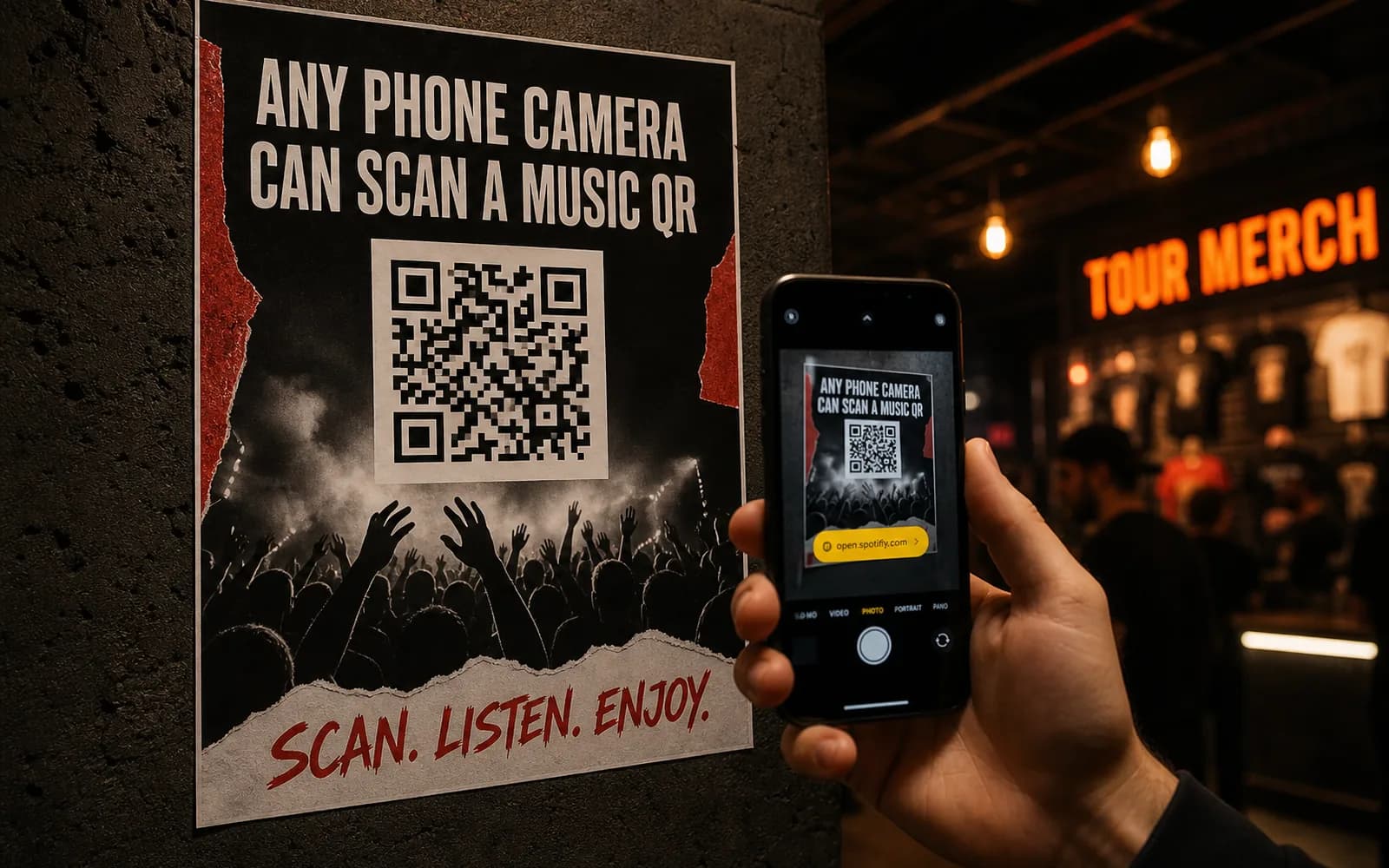
Your single just dropped, the posters are at the printer, and the merch table opens Friday. The whole point of that wall space is to get someone from seeing the release to hearing it in under five seconds. A URL printed on a poster doesn't do that; nobody types a link off a wall. A Spotify QR code does.
There are two honest ways to put your music behind a QR code, and which one you pick depends on where the audio lives.
How to make a Spotify QR code in four steps
- Copy the share link in Spotify. Open the song, album, or playlist, tap the three-dot menu, then Share → Copy link.
- Paste it into the QR code generator as a website QR code. The link is the destination; the code is just the door.
- Style the code with your artwork's colors, a center logo, or a frame with a call to action like "Scan to listen," then download it as a PNG, SVG, or PDF.
- Print it. When someone scans with their phone camera, the link opens the song in their Spotify app or browser.
That's route one, and it covers anything already on Spotify. Route two, the MP3 QR code, is for audio you own that isn't on a streaming service at all: demos, unreleased mixes, audio guides. More on both below.
First, a quick honesty note about "Spotify Codes"
Spotify has its own in-app codes: those soundwave-looking bars you see under a track's artwork in the share sheet. They're a proprietary format, and they can only be scanned from inside the Spotify app itself. Point a regular phone camera at one and nothing happens.
That's the whole reason bands put standard QR codes on posters and merch instead. A QR code works with any phone camera, no special app required, and the person scanning doesn't need to know what Spotify's scanner is or where to find it. For print that faces strangers, use the format every phone already understands.
Route 1: turn a Spotify share link into a QR code
This is the right route when the music is already live on Spotify and you want scans to land on the real track, album, artist profile, or playlist.
Get the share link
Every object in Spotify has one:
- Song: three-dot menu → Share → Copy link.
- Album or playlist: same menu on the album or playlist page.
- Artist profile: the three-dot menu on your artist page, useful when you want fans to follow you rather than hear one track.
On desktop, the same Share option lives in each three-dot menu.
Create the code
Paste the link into the generator as a website QR code and design it however you like. You can build and preview the code without an account; you'll create a free account at the moment you generate and download it. Scanning opens the link in the listener's Spotify app or browser, so someone with the app installed lands in the app, and someone without it still gets the web player.
Make it dynamic, because release plans change
Here's the part that matters once the code is on 500 posters: on UQR the printed pattern encodes a short link you control, not the Spotify URL itself. That means you can edit the destination later without touching the print. Point the same code at the pre-save page today, the single on release day, and the full album or tour dates next quarter. We covered how that works in depth in dynamic QR codes you can edit anytime.
You also get scan analytics in the dashboard, so you can see how each poster placement or merch drop actually performs. The free plan includes 5 dynamic QR codes and keeps 30 days of scan history, and the codes themselves never expire; the only expiry that can ever exist on a code is one you deliberately set yourself (Pro).
Tip One code per placement (venue poster, flyer, vinyl insert) pointing at the same track tells you which placement drives scans. That's intel a plain Spotify link can never give you.
Route 2: upload your own audio as an MP3 QR code
Not everything belongs on Spotify. Demos for the label, an unreleased mix for the street team, a rehearsal take, a museum audio guide, a podcast teaser: for audio that lives on your hard drive rather than a streaming service, use an MP3 QR code.
You upload the audio file, and the QR code opens a hosted player page right in the listener's browser. They press play; that's it. No app to install, no account to create, nothing to download. The player page carries your track title, description, and cover art, so it looks like a release, not a bare file link.
Two things to know:
- It must be your audio. Upload tracks you own the rights to: your own recordings, demos, and productions. Ripping someone else's song from a streaming service and re-hosting it isn't what this is for.
- It's dynamic too. Swap the uploaded file later and every printed code plays the new version. Sent out demo v1 and finished v2 a week later? Replace the file; the codes in the wild update themselves.
Which route should you pick?
| Spotify link QR | MP3 QR code | |
|---|---|---|
| Where the audio lives | On Spotify | Uploaded to a hosted player |
| What the listener needs | Spotify app or web player | Just a browser |
| Best for | Released songs, albums, playlists, artist profiles | Your own demos, unreleased tracks, audio guides |
| Streams count on Spotify | Yes | No, playback happens in the player page |
| Editable after printing | Yes, repoint the link | Yes, swap the file |
If the goal is streams, followers, and playlist adds, use the Spotify link. If the goal is getting your own audio into someone's ears with zero friction, use the MP3 route. Plenty of artists run both: a Spotify code on the poster, an MP3 code on a limited demo insert. Listeners on Apple Music too? Same workflow — how to make an Apple Music QR code. A link-in-bio QR code puts both behind one printed code.
Make it look like it belongs on the poster
A music QR code shares space with your artwork, so treat it as part of the design:
- Match your palette. Custom colors let the code sit inside the artwork instead of on top of it; keep the pattern clearly darker than the background so cameras read it reliably.
- Drop your logo in the center. A band mark or label logo in the middle of the code signals what the scan is before anyone commits a thumb to it.
- Add a frame with a call to action. "Scan to listen" outperforms an unlabeled square. People scan codes they understand.
- Export for the medium. PNG for screens and social, SVG or PDF for print, where the code scales cleanly from a sticker to a stage banner.
Printing a batch of different codes at once, like per-city tour posters or numbered merch runs? That's exactly what bulk QR generation from a CSV is for (Business). The bulk QR codes CSV workflow is the same never-expire path as everything else.
Note Always test-scan the final printed proof from arm's length and across the room before the full run. Thirty seconds of testing beats reprinting a merch batch.
Key takeaways
- A Spotify QR code is a standard website QR code pointing at a Spotify share link; scanning opens the song in the listener's Spotify app or browser.
- Spotify's in-app soundwave codes only work inside the Spotify app, which is why posters and merch use regular QR codes any camera can read.
- For audio you own that isn't on streaming, an MP3 QR code plays your track in a hosted browser player with no app or account needed.
- Dynamic codes mean the print never goes stale: repoint the link or swap the file anytime, and check scan analytics to see which placements work.
- Codes on UQR never expire, and the free plan includes 5 dynamic QR codes with 30 days of scan history.
Ready to put your music one scan away? Paste your Spotify link into the Spotify QR code generator, or upload your own track with the MP3 QR code generator and start free.