Do Canva QR Codes Expire? Canva Says No
Do Canva QR codes expire? Canva says they don't. Print still needs a code you can edit.
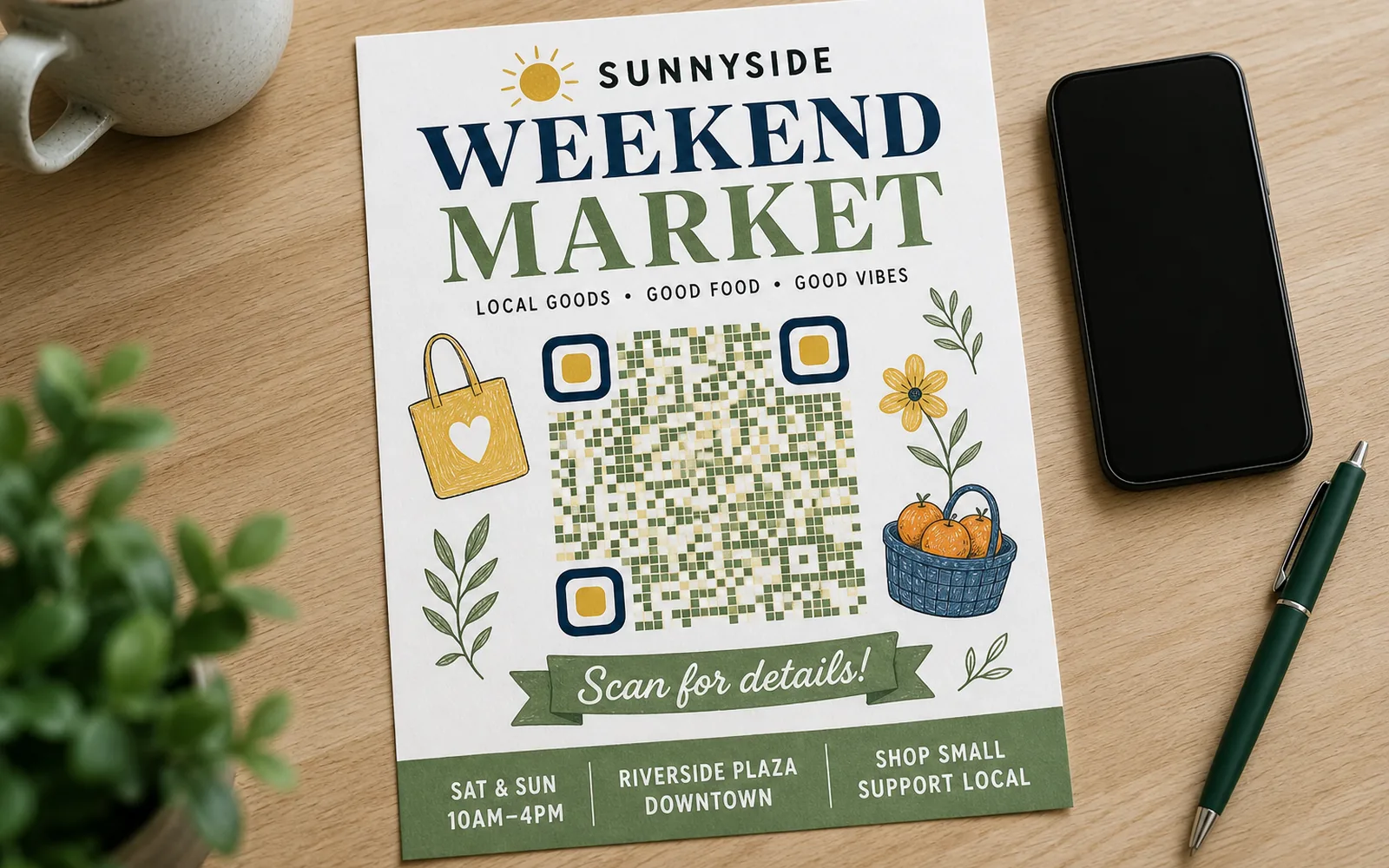
Do Canva QR codes expire? Canva says they don't. Print still needs a code you can edit.
As of July 2026, Canva's own generator page says the current tool makes dynamic codes that stay "valid forever," and you can update the link later. Two caveats before the print shop. A code can be deactivated if the destination fails Canva's guidelines. They say it comes back once you fix the link. Codes from the old static QR app cannot be converted, so those links never move.
Expiry is not the weak spot. A Canva logo on Free and Pro, and scan insights only on Business and Enterprise, sit around the code. For one-off flyers that is fine. For a print run that has to last, put a dynamic code you can still edit, with scans you can see, and no ad on the path. The industry picture is on do QR codes expire. This page is Canva.
What Canva's QR code generator actually makes
Based on Canva's own generator page as of July 2026, here's what you get:
- Dynamic QR codes. The current generator creates dynamic codes, meaning you can change the destination URL later without changing the code's design or reprinting anything. Canva notes that codes from its old static QR app are fixed and can't become dynamic.
- Creator-only editing. Only the person who created a QR code can edit its link. Updating the destination updates the code across every design it appears in.
- Standard download formats. Codes can be saved as PNG, JPG, SVG, or PDF.
- A Canva logo by default. On Canva's Free, Pro, Education, and Nonprofit plans, generated codes carry a Canva logo. Removing it — or adding your own icon — is a Canva Business and Enterprise feature.
- Scan insights on higher tiers only. Tracking performance (scan counts, device data, location data) is listed as a Canva Business or Enterprise capability.
So the honest framing isn't "Canva codes expire" — per Canva's own documentation, they don't. The real questions are what the code depends on, and what you give up compared with a dedicated QR platform.
"Never expires" means two different things
There are two kinds of QR codes, and the word "expire" behaves very differently for each.
A static QR code encodes the destination directly in the printed pattern. There's no server involved, so there is literally nothing to switch off — a static code cannot expire, ever. The trade-off is that it also can't be edited: if the URL breaks, the printed code is dead and you're reprinting.
A dynamic QR code encodes a short redirect URL that the provider hosts. The printed pattern never changes, but the code only works for as long as the provider keeps that redirect alive. That's what makes dynamic codes editable and trackable — and it's also why provider policy is the thing to read before a big print run. A dynamic code's "never expires" is a promise, not physics.
Canva's codes are now in the dynamic camp, and its promise is a good one — no expiry, with the stated exception that codes linking to guideline-violating content can be deactivated pending review. That kind of abuse clause is normal across the industry. The practical takeaway is simply to know which kind of code you're printing and whose promise it rests on. For the industry-wide picture — which providers' codes stop working, and why — see our full guide: do QR codes expire?
What you give up compared with a dedicated QR platform
Where Canva's generator shows its limits isn't expiry — it's everything around the code. Here's how a Canva code stacks up against a free UQR code, using only what each product documents:
| Canva (Free/Pro) | UQR (Free) | |
|---|---|---|
| Code type | Dynamic | Dynamic — 5 codes included |
| Expiry | None, per Canva; guideline deactivations possible | Never — the only expiry is one you set yourself |
| Edit after printing | Yes (creator only) | Yes, from your dashboard |
| Scan analytics | Business/Enterprise plans only | Included, with 30 days of history |
| Branding on the code | Canva logo by default | Your own colors, center logo, and frames |
| Downloads | PNG, JPG, SVG, PDF | PNG, SVG, PDF |
Two of those rows matter more than people expect once a code is physically in the world.
Analytics. A printed QR code is a marketing channel you can't see without scan data. If a code is going on signage or packaging, you want to know whether anyone scans it, when, and from where — before you decide to print the next batch. On Canva, that visibility sits behind Business/Enterprise; on UQR it's part of the free plan, with every scan tracked in your dashboard.
Branding. A code on your flyer is your brand's pixel real estate. Canva's free and Pro tiers stamp a Canva logo on it; a dedicated generator lets you put your own logo in the center instead — see the QR code with logo generator — plus brand colors and a call-to-action frame.
When a Canva QR code is perfectly fine
If you live in Canva already, the built-in generator is genuinely convenient, and for plenty of jobs it's the right call:
- One-off, short-lived designs — a party invitation, a single event poster, a slide deck.
- Decorative use where the code is a nice-to-have, not the campaign's front door.
- No reporting needs — you don't care how many people scanned it.
- The Canva logo doesn't bother you on the code itself.
For those cases, Canva's no-expiry promise plus in-Canva convenience is all you need.
When a dedicated dynamic code is the safer print
The calculus changes the moment a code becomes long-lived or business-critical — packaging, menus, business cards, window decals, anything you can't easily recall. For those, print a code from a platform built around the code itself:
- You get scan data from day one, free, so the printed code reports back.
- The code carries your brand, not the generator's — colors, frames, and your own center logo.
- The destination doesn't have to be a URL: point the same printed code at a PDF, an image gallery, or a plain link, and swap the file or destination later. Editing after printing is the whole point of dynamic codes.
- Expiry is yours to control. On UQR, codes never expire on any plan — the only expiration that exists is the optional one you deliberately set (Pro), with password protection to match.
On UQR you can design and preview a code without an account; a free account is created at the moment you generate and download, and the free plan includes 5 dynamic QR codes with PNG, SVG, and PDF downloads.
Tip Whatever generator you use, do two things before a large print run: re-read the provider's expiry and deactivation policy on their own site that week (policies change — Canva's own generator moved from static to dynamic codes), and test-scan the final artwork at print size before it ships.
Key takeaways
- Do Canva QR codes expire? Canva says no. As of July 2026 its generator makes dynamic codes with no expiry, and the creator can edit the link.
- Two caveats: codes can be deactivated if the linked content violates Canva's guidelines, and codes from the old static QR app can never be edited or converted.
- Static codes can't expire by construction; dynamic codes rest on provider policy. Know which one you're printing.
- Canva's trade-offs are around the code, not expiry: a Canva logo on free/Pro codes, and scan insights limited to Business/Enterprise plans.
- For long-lived prints, a dedicated dynamic code gives you free scan analytics, your own branding, and expiry only if you choose to set it.
Printing something that needs to last? Create a QR code with your own logo, brand colors, and built-in scan analytics — free, and it will still work next year.