Do QR Codes Expire? What Actually Kills a Printed Code
QR codes never expire on their own — a static code physically can't. What dies is the service behind a dynamic code. Here's how to tell if yours is at risk.
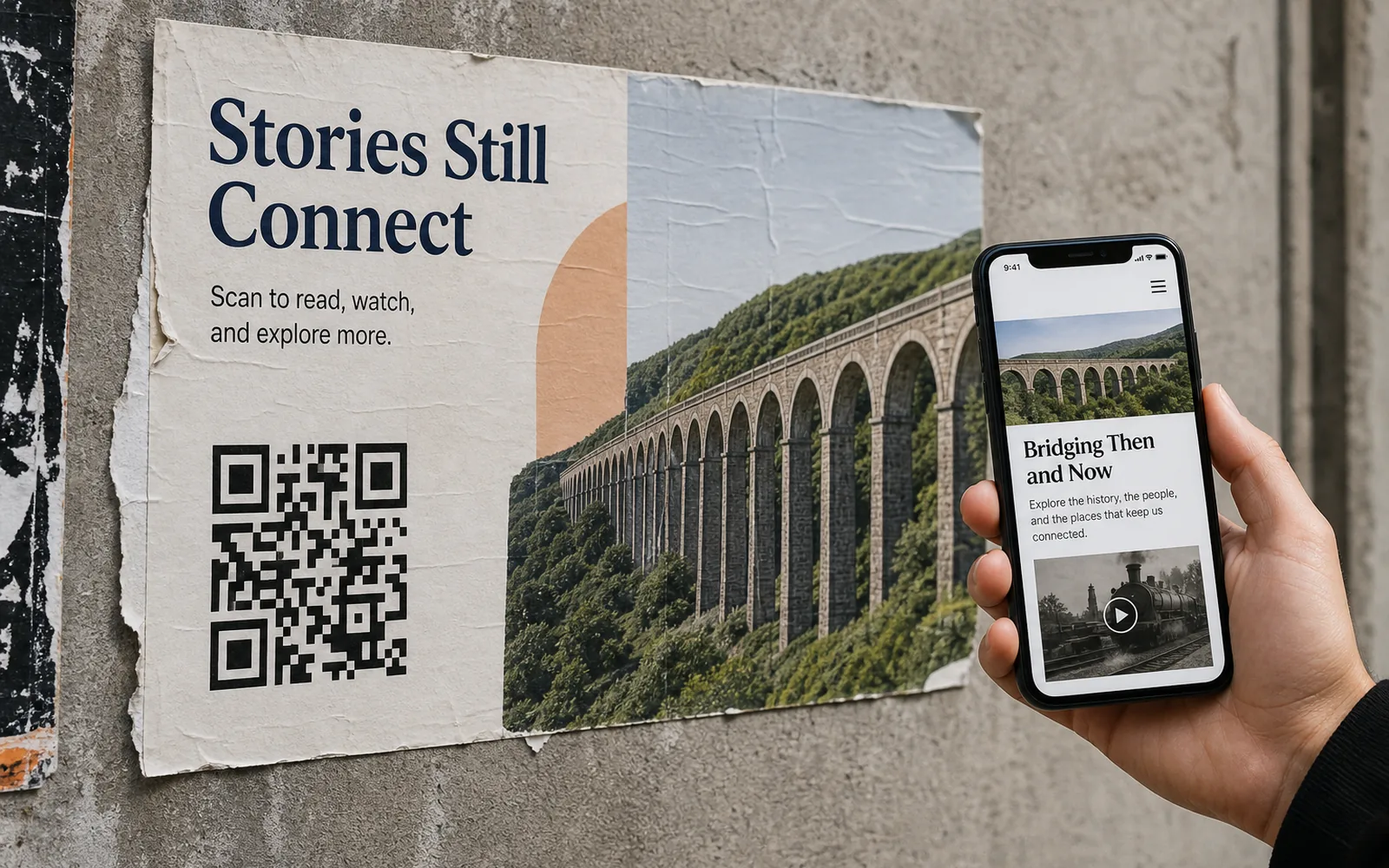
No — QR codes do not expire. A QR code is just a printed pattern that encodes some data, and a pattern on paper cannot switch itself off. A static QR code will scan forever, as long as the print is legible. What people actually mean when they ask this question is something different: the service behind a dynamic QR code can expire. A free trial ends, a plan lapses, a provider deactivates the redirect — and a perfectly good printed code suddenly leads nowhere.
That distinction is the whole answer, so let's unpack it properly: where expiry can and can't happen, the real reasons printed codes die, how to check whether a code you've already printed is at risk, and how UQR handles it.
Static QR codes physically can't expire
A static QR code bakes the destination directly into the pattern — the full URL, the WiFi credentials, the text. When someone scans it, their phone reads the data straight out of the squares. No server is contacted to resolve the code, no company sits in the middle, and nothing needs to stay "active."
That means a static code has no expiry mechanism at all. It works on day one and on day ten thousand. The only things that can break it are physical damage to the print or the destination itself going offline — and neither of those is the code expiring.
The trade-off is rigidity: the destination is frozen in ink. If the URL changes, the code is wrong forever, and your only fix is a reprint.
Dynamic QR codes: what can actually "expire"
A dynamic QR code encodes a short link on the provider's domain instead of the final destination. The scan goes to the provider's server, which redirects it wherever you've currently pointed the code. That indirection is what makes dynamic codes so useful — you can edit the destination anytime without reprinting and see scan analytics in a dashboard.
But it also introduces a dependency: the code only works as long as the provider keeps that redirect alive. The pattern on your poster never expires. The redirect behind it can — and whether it does is purely a matter of provider policy.
| Static QR code | Dynamic QR code | |
|---|---|---|
| What's encoded | The destination itself | A short link on the provider's domain |
| Can the code expire? | Never — nothing to switch off | Never — the pattern is just ink |
| Can it stop working? | Only if the destination goes down | Yes, if the provider stops serving the redirect |
| Who controls its lifespan | You and your destination | The provider's policy |
The real reasons printed QR codes die
When a printed code stops working, it's almost always one of these four things — and none of them is the code itself expiring.
1. A trial-based dynamic code deactivates
Some generators hand out dynamic codes on a free trial, then deactivate them when the trial ends. QRFY, for example, offers unlimited free static codes, but dynamic codes are paid — and dynamic codes created on the free trial deactivate after 7 days. Print a menu code during a trial week and it can be dead by the following weekend, with the flyers already on tables.
2. The plan behind the code lapses
On many services, dynamic codes are tied to an active subscription: cancel, downgrade, or miss a payment, and the redirects stop resolving. Policies vary widely — Bitly's QR codes, to be fair, don't expire, though its free tier limits how many codes you can create. The point is that with a dynamic code, the fine print of the provider's plan is part of your print run.
3. The provider disappears or changes the rules
A dynamic code is a bet that the provider's domain will still be answering requests years from now. If the service shuts down, gets acquired, or quietly changes what its free tier includes, every printed code that routes through it is exposed. This risk is invisible on the day you print and very visible the day it happens.
4. The destination itself is gone
Even a redirect that lives forever can land on a deleted page. If the product page moved or the campaign site was taken down, scanners hit a 404. This is the one failure mode where dynamic codes are the cure, not the risk: repoint the code at a live page in your dashboard and every printed copy follows instantly.
How to check if a code you printed is at risk
Five minutes of due diligence covers it:
- Scan the code and watch the URL. If it hops through a short domain before reaching the final page, it's dynamic — its lifespan depends on that provider.
- Identify whose domain it is. Your own domain or your active generator account is manageable. A service you trialed once and forgot is a liability. See QR codes on your own domain.
- Check the account behind it. Is it on a trial? Is the plan current? What does the provider say happens to dynamic codes when you stop paying?
- Test the final destination. Make sure the page the redirect lands on still exists and still says what you want it to.
- Audit everything in circulation. The codes that hurt most are the ones you can't recall — a vCard QR code on a box of business cards, a Google review QR code taped to the counter, a PDF QR code on every menu.
Tip Made your code in a design tool rather than a QR platform? The same static-vs-dynamic logic applies, with a twist — see our companion post on whether Canva QR codes expire.
How UQR handles expiry
Our policy is deliberately boring: QR codes on UQR never expire, free plan included. The free plan gives you 5 dynamic QR codes, and the redirects behind them keep working. We don't deactivate printed codes to force an upgrade — a code you put into the world should keep doing its job. Cancel lands on Free; existing codes keep resolving, and scans stay unlimited.
The only expiry that exists is one you deliberately set. If a promo genuinely should end on a date, or a document should sit behind a password, those are optional controls you configure per code (Pro) — covered in detail in password-protected and expiring QR codes. Expiry as a feature you choose, never as a penalty you discover.
Everything else works the way a dynamic code should: edit the destination or file anytime without reprinting, follow scan analytics in your dashboard (the free plan keeps 30 days of history), customize with your colors, a center logo, and frames, and download print-ready PNG, SVG, or PDF. You can design and preview a code without an account; creating and downloading it takes a free signup at that moment. And if you're producing codes at volume, bulk generation from a CSV (Business) follows the same never-expire policy as everything else. See bulk QR codes.
Key takeaways
- QR codes themselves never expire — a static code physically can't, because the data lives in the pattern.
- What "expires" is the service behind a dynamic code: trials that deactivate codes, lapsed plans, or providers shutting down.
- Trial-based dynamic codes are the most common trap — verify what happens to your codes before you print, not after.
- The destination going offline kills static codes for good; dynamic codes fix it with a single edit.
- On UQR, QR codes never expire on any plan — the only expiry is an optional one you set yourself.
Ready to print codes that outlive the campaign behind them? Create a QR code for free — it never expires, and you can change where it points for as long as you like.